Skip to content
TAPoR Text Analysis Portal for Research

Tools

Sort by Name ↑ Rating Date

Visualization

DH Press

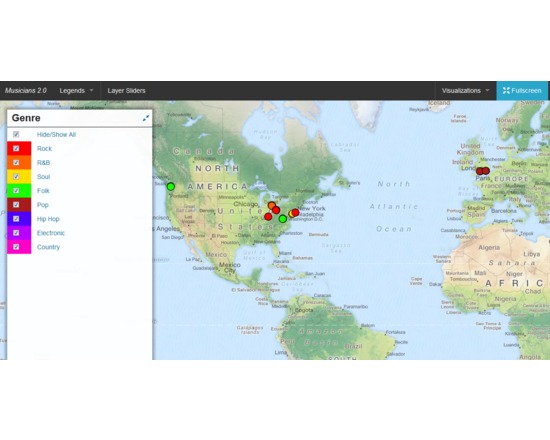
DH Press (originally called diPH) is a toolkit conceived as an easy-to-use WordPress plugin which allows potentially every kind of user to visualise and mashup historic and geographic information, documents and various types of multimedia content to develop digital humanities project. The user cannot start from the toolkit itself, as the first step to set up a project, when the toolkit is already installed, is a CSV import. This means that the raw information has to be processed first, through any software like Microsoft Excel or Google Spreadsheet, following some conventions dictated by the toolkit, and once completed must be exported in CSV format. The file can then be imported into DH Press. At this point, the user finally has full control over the data. First, the toolkit needs to be informed of what kind of data is in each column, as it can handle various types, such as Short Text, Long Text, Lat/Lon, Date, and Link. The steepest learning curve resides here, in the data management part, as the database must be set up very carefully, and fixing any problem later is complex. This does not mean that new users cannot approach the tool, but some basic research on data management is required to make correct use of it. After setting up all this fields, called “motes” in the toolkit, a legend can be assigned to each of them, for example a field called “city” might contain, through multiple entries, ten different cities, and to each of those will correspond the colour chosen by the user. It is also possible to assign icons or png images instead of colours. A single control panel then allows the user to create, set up and manage multiple visualisations of different kind, and in each of them the user can choose which information to display and how. This part is the most useful and is really straightforward. The last section of the control panel lets the user set up custom fields for data and run a test of the whole project, and outputs detailed error information. Following the training page, http://dhpress.org/training/, it is possible to take advantage of a pre-existing database, which can be used to quickly set up a project, so that one can instantly work on the main control panel. There is a detailed google document that guides the user through the process step by step, and also offers an even more detailed annex. A couple of hours is enough to go through all of it and get the necessary information to use it correctly. Then, any view can be quickly set up and customised in any desired way. Overall, this toolkit is quite stable, reliable, user-friendly after the first entry barrier and gives you a varied set of tools to visualise and display a large amount of data in a neat, organised manner. For a more detailed and personal review, please read http://claudiasartori.com/2015/01/tool-review-dh-press/
Rated 0.0 out of 5.

Diagram.ly

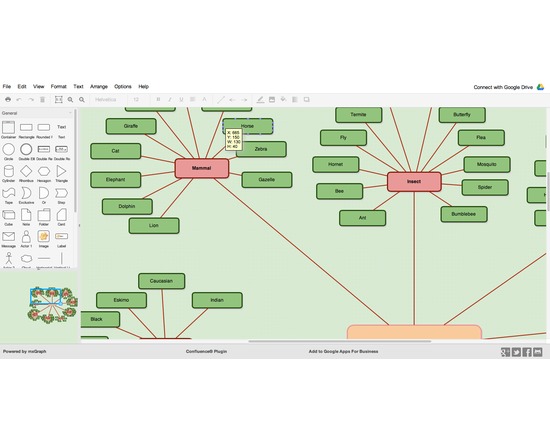
draw.io is an online diagramming application built for speed, reliability and simplicity. It features the full range of visual configuration you expect, as well as web application features such as a full range of export options, a large collection of icons, real-time collaboration and embedded widget sharing. It features particularly notable integration with a variety of collaborative platforms including Google Docs/Apps.

Rated 0.0 out of 5.

Natural Language Processing

Diction

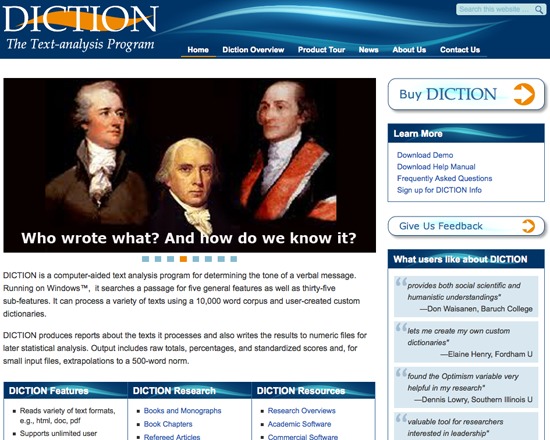
Diction is a text analysis program for purchase, designed to determine the tone of a text, and generate reports and statistical analysis from it. DICTION versions are available for Windows® on a PC and Mac®.

Rated 0.0 out of 5.

digilib

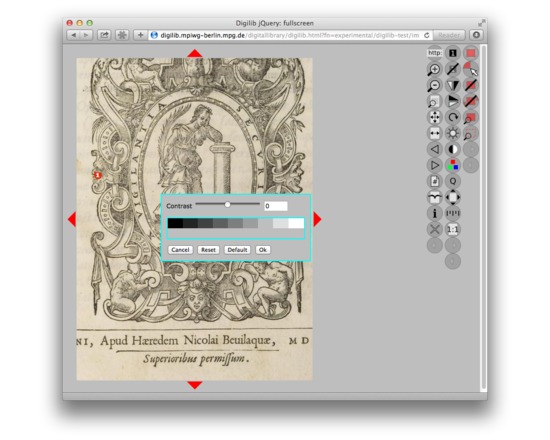
Digilib is a web based client/server technology for images. The image content is processed on-the-fly by a Java Servlet on the server side so that only the visible portion of the image is sent to the web browser on the client side. It supports a wide range of image formats and viewing options on the server side while only requiring an internet browser with javascript and a low bandwidth internet connection on the client side. digilib enables very detailed work on an image as required by scientists with elaborate zoom features like an option to show images on the screen in their original size. digilib facilitates cooperation of scientists over the internet and novel uses of source material by image annotations and stable references that can be embedded in URLs. digilib is used in the ALCATRAZ framework of image, text and annotation tools and many other projects.

Rated 0.0 out of 5.

Analysis

Digital DNA

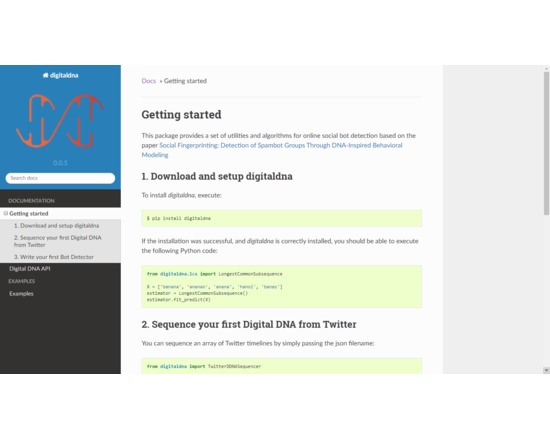
The Digital DNA (DDNA) Toolbox is a set of methods developed to support scientists in making sense of online data. In particular, it is designed for assessing the reliability of accounts and content (e.g., detecting fake and bot accounts) in online social networks (OSNs). Its main use is to detect fake and bot accounts.

Rated 0.0 out of 5.

Collaboration

Digital Mappa

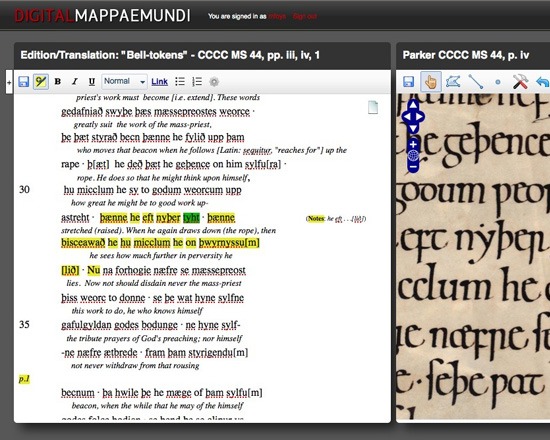
The DM is an environment for studying and annotating images and texts. It enables users to link together images, texts, or fragments of images or texts, such as a textual annotation of an image or text. It is aimed at scholars of English and French literature, art history, and musicology, and to work with digitized Old English, Latin and Old French manuscripts, medieval maps and scrolls.

Rated 0.0 out of 5.

Annotating

Digitate

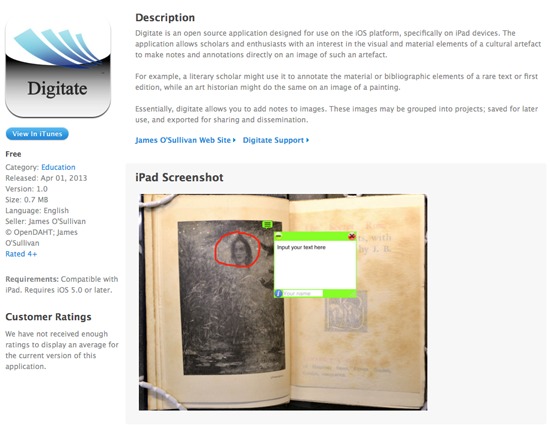
Digitate is a free, open source application for making notes and annotations directly on an image of a cultural artifact such as a manuscript or a painting. Images can also be grouped into projects, saved for later or exported. This application is only available for the iPad.

Rated 0.0 out of 5.

Annotating

Digress.it

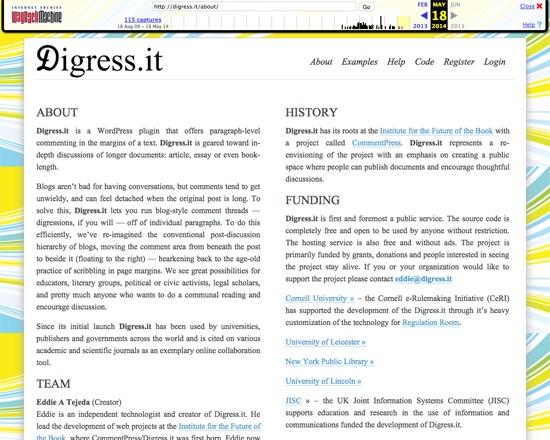
Digress.it was a free, open source WordPress plugin for annotating texts on the paragraph level, particularly of article to book-length documents. It permitted blog-like threaded discussions to occur in the margins of the text, and was aimed at facilitating scholarly, literary, political and other discussions. While the main website is no longer available, Digress.it is still available via the WordPress plugin directory .

Rated 0.0 out of 5.

Diigo

Diigo ("Digest of Internet Information, Groups and Other stuff") allows users to bookmark web pages, annotate, highlight and share them. You can also discover resources other people have bookmarked.

Rated 0.0 out of 5.

Analysis

DISCAN

DISCAN was a tool for content and discourse analysis originally available for mainframe computers, and adapted for PCs with DOS 3.0 in 1991. It accepted ASCII files, could create KWIC and co-occurrence listings, and had modules for both creating content analysis dictionaries and performing content analysis.

Rated 0.0 out of 5.