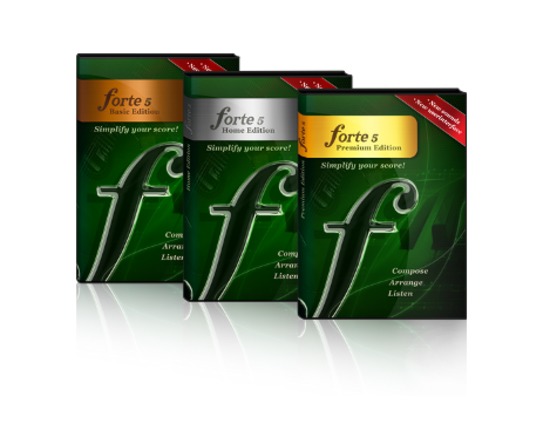
Created by musicians for musicians, Forte is a unique and easy to use score writing software for everyday musicians, teachers and choir leaders. If you are looking for a tool that fits your needs, is easy to use and affordable. The website also offers free sheet music to get you started.
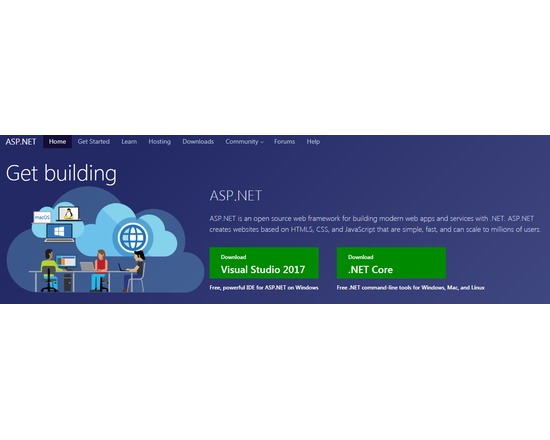
ASP.NET is an open source web framework for building modern web apps and services with .NET. ASP.NET creates websites based on HTML5, CSS, and JavaScript that are simple, fast, and can scale to millions of users.
The ‘Stylo’ package provides easy-to-use implementations of various established analyses in the field of computational stylistics, including non-traditional authorship attribution, genre recognition, style development (“stylochronometry”), etc. The package includes a number of explanatory methods provided by the function stylo() (multidimensional scaling, principal component analysis, cluster analysis, bootstrap consensus trees). Addtionally, a number of supervised machine-learning methods are available via the function classify() (Delta, support vector machines, naive Bayes, k-nearest neighbors, nearest shrunken centroids). The rolling.delta() function analyses collaborative works and tries to determine the authorship of fragments extracted from them. The oppose() function performs a contrastive analysis between two given sets of texts: among other things, it generates lists of words significantly preferred and avoided by one or more authors in comparison to the texts by another author (or a set of them). (from: "Stylo: a package for stylometric analyses" by Eder/Kestemont/Rybicki)
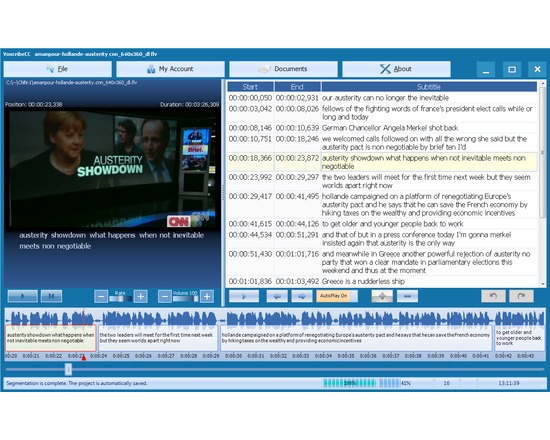
VoxcribeCC has the most accurate speaker-independent and topic-independent desktop speech recognition technology. It is used for media (audio\video) transcription and video-captioning. Please watch VoxcribeCC Usage Video to learn using VoxcribeCC just in 2 minutes. VoxcribeCC offers: • An unmatched ability for audio transcription and subtitle creation and editing, • Outstanding levels of productivity and quality at incredibly low costs. Features: • Direct media-speech-recognition. • Auto time stamping • Interactive time-line with audio energy display • Spell-check and auto text formatting • Subtitle splitting and merging with automatic audio synchronization • Visual subtitles with graphically adjustable start and end points Click here to Download VoxcribeCC
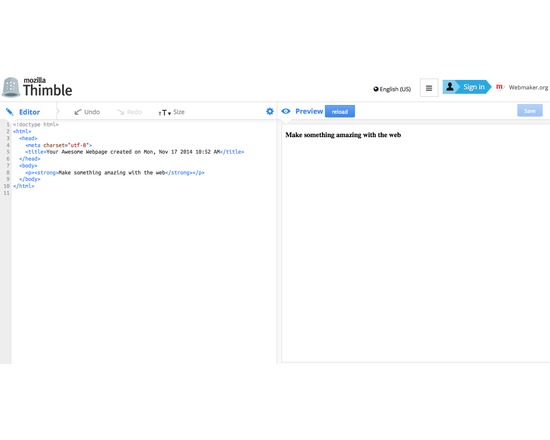
A simple web-based HTML and CSS editor geared toward beginners. Thimble splits your window into two panes - one is the editor and the other displays a preview of your work. Includes tutorial projects for learning to code. Offers option for webpages to be published by thimble.webmaker.org.
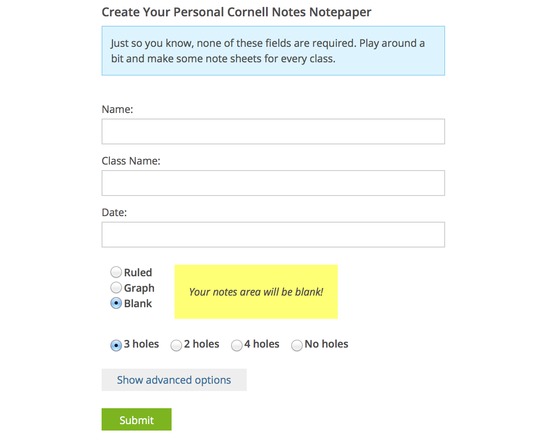
This is a simple tool for creating custom notetaking sheets (ie blank, ruled, or graph style). You may automate the generation of the sheets to customize them with your name, date etc.
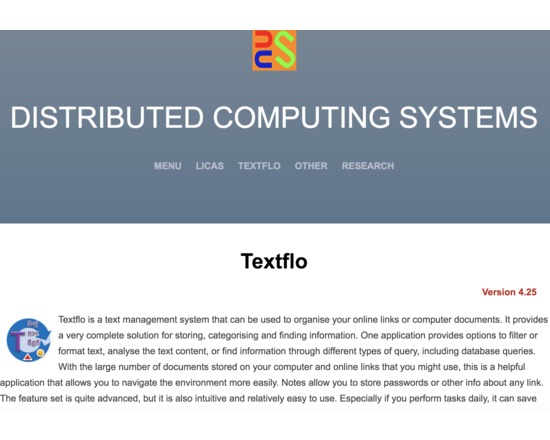
This product can filter or format text-based content. It also includes a document or link organiser and search capabilities and might more correctly be termed a text management system. With the large number of documents stored on your computer and online links that you might use, this is a helpful application that allows you to navigate the environment more easily. Although the feature set is now well developed, an inexperienced user should still be able to use it relatively easily. It is not intended only for the expert managers. The key features of the application are therefore as follows: 1. The ability to read text, XML, or parse the contents of PDF or online content (HTML). Binary (Microsoft Office) files are included in the professional version. 2. A set of filter operations that can be applied in sequences, saved and retrieved. 3. A set of folders can be used as default locations for all of your related data. The application runs locally only, there is no requirement for a remote server. 4. A grid or tabular format allows you to view database queries, or for operations over specific columns or cells. A log file might have a standard format that can be queried, or conversion to CSV might be required, for example. 5. An analysis panel allows you to select single or groups of files and compare the content based on known clustering algorithms. Also some basic statistical counts. 6. Basic search from a toolbar, or more complex search operations from a Query form. The search facilities allow you to find information from different views and query types. 7. A separate Organiser application allows you to store your online links or local files, into ordered books and categories that can also be searched over. This allows for querying most of the available information, including keywords, descriptions, notes and content. 8. A Bookmarks form displays a list of ordered file references or links, for any type of file. You can open one of your commonly viewed files or links through a single click.
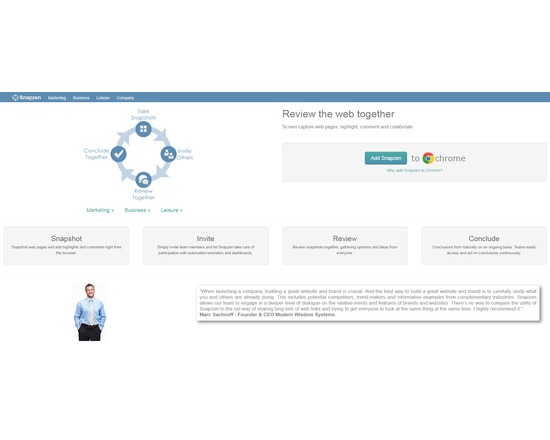
Snapzen is a browser tool that is used to collaborate with others about the information on any web page - right from your browser. Discuss information on web pages with your colleagues, friends or family. It is easy to collaborate with others because they see exactly what you see on the web pages. If you still use copy and paste, screenshot tools, email or chat to discuss web pages, Snapzen will show you a better way.
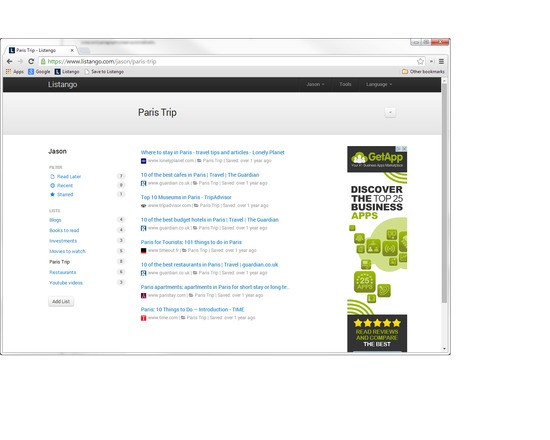
Listango is a free online bookmarking app. Users can save links to web pages and articles using a bookmarklet, organize their links into public or private lists, and share links with friends using Facebook, Twitter or email. Because it is web-based, users can access their bookmarks from any device, anywhere. Listango also offers a free IOS bookmarking app. Listango is designed to work on all modern web browsers, including Google Chrome, Firefox, Safari, and the latest version of Internet Explorer.
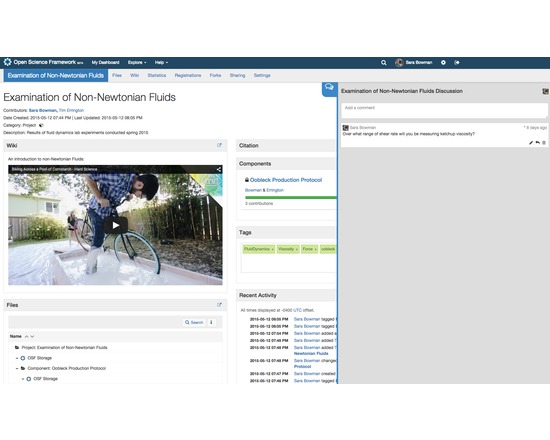
The Open Science Framework (OSF) is a free, open source tool designed to help researchers manage the entire research workflow: planning, execution, reporting, archiving and discovery. It is part collaboration software and part version control system. The OSF can be used to manage individual projects or large collaborative ones. Privacy and sharing settings allow for fine-grained control over access to files and materials stored on the platform - share privately with collaborators or publicly with the community at large. Each project, contributor, and file on the OSF is given a persistent unique identifier, making all research products citable. The platform also mints DOIs and ARKs through DataCite. A collaborative wiki allows contributors to work on writing materials simultaneously. API connections with other services (Github, Dropbox, Box, Dataverse, Google Drive, figshare, Zotero, Mendeley, Amazon S3) allow researchers to connect other services they already use in order to see all their materials in one place. The OSF also offers a registry for preregistering research projects and/or analysis plans.