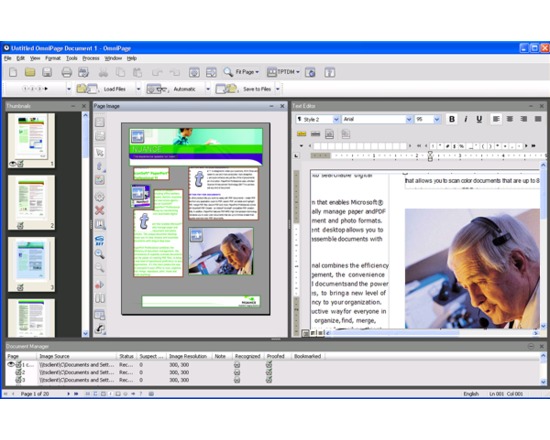
A software tool capable of performing Optical Character Recognition (OCR) upon a set of images. It was one of the first OCR recognition software to be developed. It was developed in the late 1980s and sold by Caere Corporation. It is currently owned by Kofax Inc. It achieves the task by analysing pixel sets and in an image and cross-matching them to a dictionary of words. Omnipage automates large sections of the digitisation process enabling physical objects to be scanned, processed using the OCR software and exported to a document file format. Later versions of the software incorporate image enhancement features to improve scan quality (and recognition results) and better support for complex page layouts and forms. Features: Integration with scanning software Maintain layout of captured document
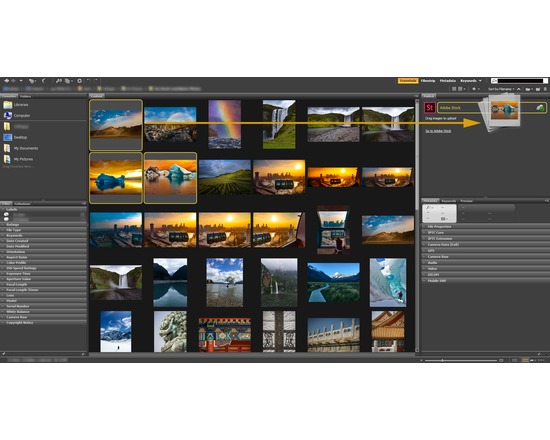
Adobe Bridge is a media management application used for organizing, browsing, locating, and viewing creative assets. It was provided as a part of the Adobe Creative Suite, beginning with CS2, and is now in version CS5 Features: Tightly integrated with other Adobe suite software (except for the standalone version of Adobe Acrobat 8) Extensible through use of Javascript
Adobe Illustrator is a comprehensive vector graphics environment that is ideal for all creative professionals, including web and interactive designers and developers, multimedia producers, motion graphics and visual effects designers, animators, and video professionals. Adobe Creative Suite products, including Illustrator, have recently moved to a subscription based service model. Adobe Illustrator CS6 was the last version released on disk. Adobe Illustrator Creative Cloud is now available starting at $19.99/month. Features of Adobe Illustrator CC include: Use powerful creative tools Boost productivity Deliver virtually anywhere Tightly integrated with other Adobe suite software Raster and type-in vector format support Mobile and tablet suport Cloud storage
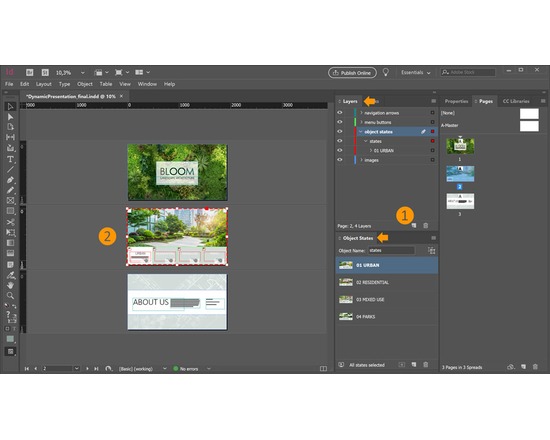
InDesign is a desktop publishing (DTP) software application which can be used to create periodical publications, posters, flyers, brochures, magazines and books. The latest version, InDesign CS5.5 , is the twelfth generation in the product line. Features: Tightly integrated with other Adobe suite software Dynamic cross-reference support that updates content when moved within a document Spread rotation Smart guides (Quickly align space, rotate, and resize single or multiple objects with the help of dynamic guides.) Conditional text (Deliver multiple versions of a document for different users, all from a single Adobe InDesign source file. Hide text at paragraph, word, and even character level without relying on layers. The remaining text and anchored objects automatically reflow in the layout.) Smart Text Reflow (Automatically add pages at the end of a story, selection, or document when text is overset using this new preference.) Live Preflight
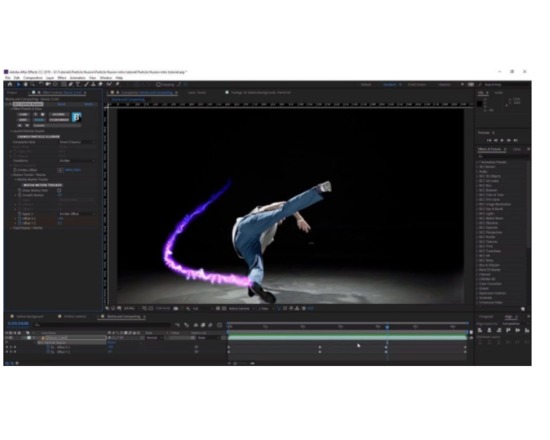
After Effects is a digital motion graphics and compositing software. After Effects allows users to animate, alter, and composite media in 2d and 3d space with various built-in tools and third party plug-ins, as well as individual attention to variables like parallax and user-adjustable angle of observation. The latest version, CS5.5, is the twentieth generation in the product line. Features: Tightly integrated with other Adobe suite software Searchable timelines and projects Independent keyframing of x, y, z values Cartoon effect layer-oriented Animate and composite flexibly in 2D and 3D Create and animate text and vector graphics Choose among extensive visual effects Fluidly key, mask, rotoscope, and paint composites Take control of motion and keyframes Automate with scripting Work with 32-bit audio Gain professional results for every media type Paint and clone with nondestructive vector brushes Save time with efficient tools and a customizable interface
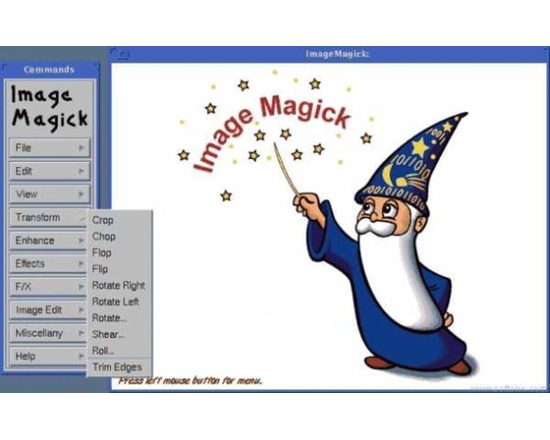
A software suite for displaying, converting and editing still images stored in a raster image format. Image manipulation may be performed via the command line, API libraries, or through a simply graphical user interface. With recent development, it can now be used to store images in over 200 different image formats. Features: Software control through API and command line Format conversion Image transformation Transparency support Format identification Text to image conversion Read, process, or write mega-, giga-, or tera-pixel image sizes Distributed pixel cache Perceptual hash
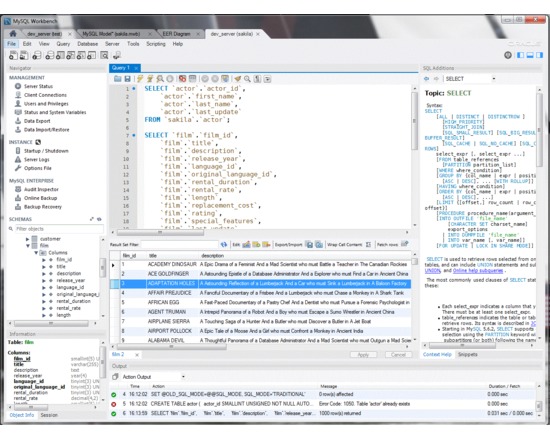
A software application that enables relational databases to be created, managed and queried. The database management system enables multiple users to access a database through an appropriate interface. As an open source tool, MySQL underpins a number of free software projects, such as WordPress, phpBB and other software built on a LAMP infrastructure. Although widely used, there are a number of performance issues that limit its use in some environments. For example, it is unable to use multiple CPU cores to process a single query, potentially limiting its use as a data warehouse. Features: X/Open XA distributed transaction processing (DTP) support Connector/ODBC enables connection to a MySQL server using the Open Database Connectivity (ODBC) API Connector/NET enables developers to create .NET applications that use data stored in a MySQL database
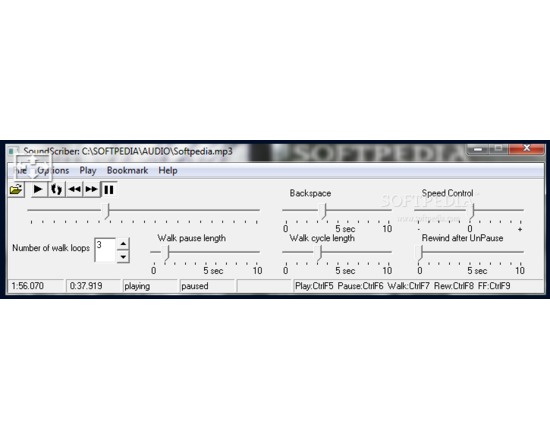
A software application for the playback of audio recordings. SoundScriber offers specific functionality for researchers that wish to transcribe a recording. It was originally developed for use in the Michigan Corpus of Academic Spoken English (MICASE) project and released for use by academics performing similar work. Features: Audio playback via installed audio codecs (e.g. Wav, MP3) Variable speed playback 'Walking' support – playback of a small stretch of an audio stream several times to ensure accurate transcription is made, followed by an advancement to a new section of audio.
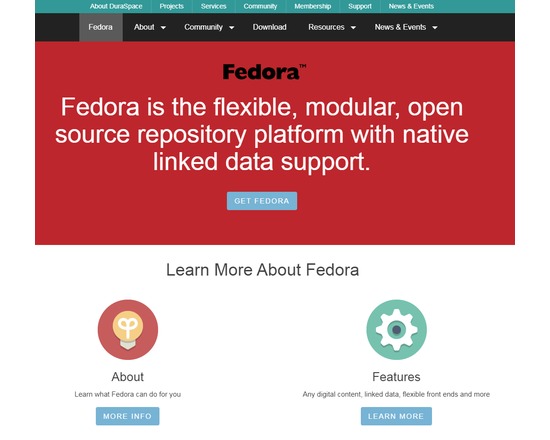
Fedora (Flexible Extensible Digital Object Repository Architecture) was originally developed by researchers at Cornell University as an architecture to store, manage, and access digital content in the form of digital objects. Fedora defines a set of abstractions for expressing digital objects, asserting relationships among digital objects, and linking behaviors to digital objects. Developed by the community and stewarded by Duraspace — a nonprofit involved with open source technology projects including VIVO and DSpace — Fedora Commons implements the Fedora abstractions in an open source, modular repository system for managing and disseminating digital content. Fedora Commons is widely used in the academic sector as a basis for digital libraries, archives, or repository systems. Its worldwide installed user base includes academic and cultural heritage organizations, universities, research institutions, university libraries, national libraries, government agencies, and more. Management and maintenance of any digital content type and of metadata about content in any format Scale to millions of objects Access data via APIs (REST/SOAP) Provide RDF search (SPARQL) Rebuilder utility (for disaster recovery and data migration) Entire repository can be rebuilt from the digital object and content files Content model architecture (define "types" of objects by their content) Many storage options (database and file systems) JMS messaging (your apps can "listen" to repository events) Web-based administrator GUI (low-level object editing) OAI-PMH provider service GSearch (fulltext) search service Multiple, customer driven front-ends
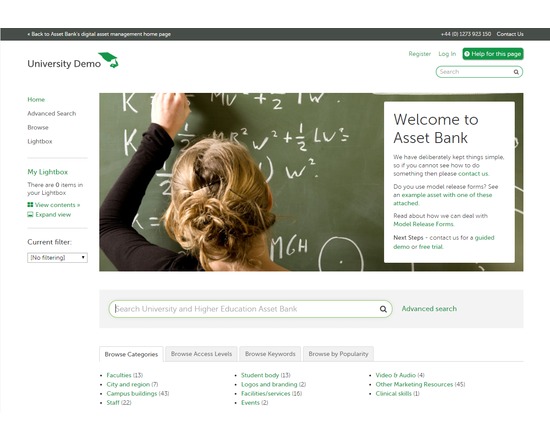
A digital asset management system for the storage, management and delivery of raster images, audiovisual content, documents and other digital asset types. The software provides limited eCommerce functionality for use by institutions that wish to use the system to sell digital products. It may be installed in-house on a Windows/Linux/Unix system or hosted on a system operated by the developers. Asset storage can be customized to suit the needs of your project on server hard disk, network or SAN, cloud storage via Amazon or Rackspace, via Box accounts, or stored as BLOBs in your database. Pricing quotes are available through the product website. Asset Bank offers active customer support including guided demos, customized quotes, monthly webinars, a knowledge base, in depth documentation, and a support ticket system. This resource is ideal for large Enterprises and supports multi-lingual configuration, organisational units, and LDAP integration. Features: Image versioning User-driven rating system Automatic generation of thumbnails and preview images Rapid downloading of files in a range of formats Search or browse by keywords and popularity Monitor & control asset usage Brand guidelines to provide consistent access to project/organization logos, colours, etc Metadata batch edit Date validation Metadata import in XML or other delimited formats configure and customize almost all aspects of the interface Premium Features: Document Editor Plug-in for desktop applications used to edit common file types (.doc, Photoshop & InDesign file formats) Video Keywording module allows you to link keyword metadata to points of time in a video asset Presentation Builder module maintains project presentation slides in Asset Bank, creates master presentation sets including slides that can be shared and reused