Jonny Mathias
Pretty cool reference tool which is free to use. The team behind it will build referencing styles free of charge and change there product based on feedback. They're keen to learn
Pretty cool reference tool which is free to use. The team behind it will build referencing styles free of charge and change there product based on feedback. They're keen to learn
Aelfred is a bare-bones Java XML parser. It has not been updated since 2002, and is dependent on JDK 1.4, which is very outdated.
Publishing
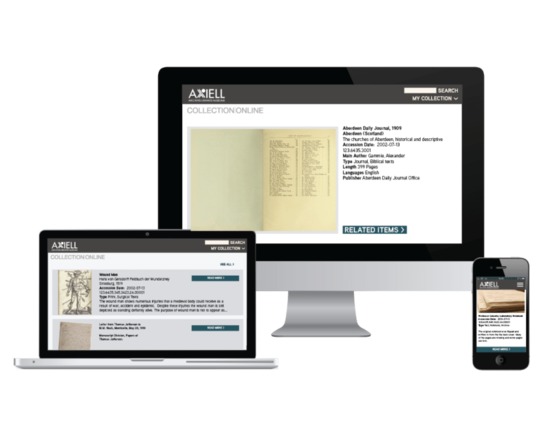
Adlib Archive is archival management software that allows archives to create records for objects and make them available online. Adlib Archive is also available as software-as-a-service.
Adobe Acrobat Distiller was software for converting Postscript files to PDF. It was discontinued in 2013, with the exception of a server-based version.
Web development
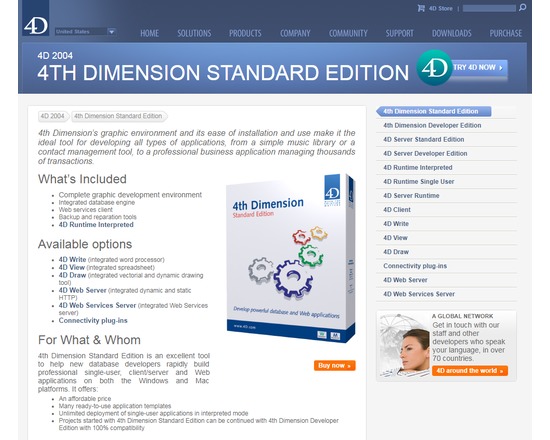
4th Dimension is a graphic environment for developing database-driven single-user, client/server and Web applications. 4th Dimension Standard Edition is an excellent tool to help new database developers rapidly build professional single-user, client/server and Web applications on both the Windows and Mac platforms. It offers: - An affordable price - Many ready-to-use application templates - Unlimited deployment of single-user applications in interpreted mode - Projects started with 4th Dimension Standard Edition can be continued with 4th Dimension Developer Edition with 100% compatibility
Publishing
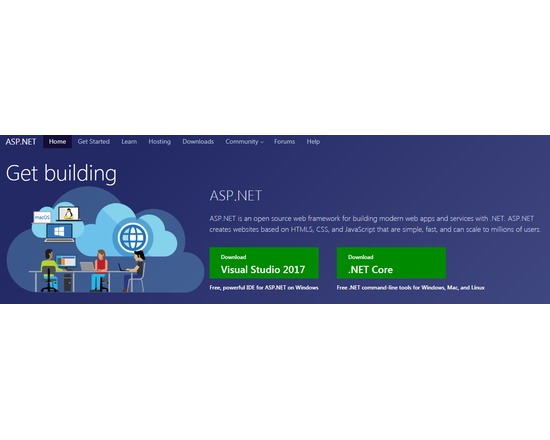
ASP.NET is an open source web framework for building modern web apps and services with .NET. ASP.NET creates websites based on HTML5, CSS, and JavaScript that are simple, fast, and can scale to millions of users.
Visualization
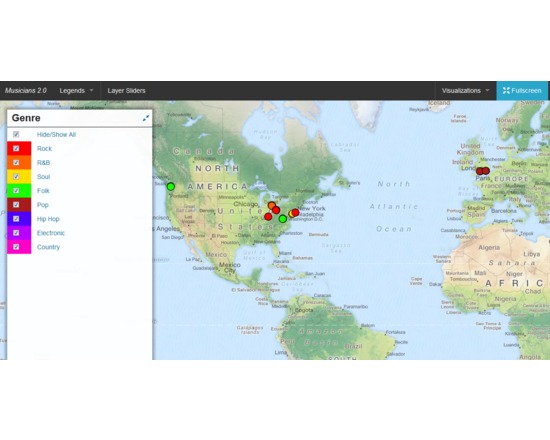
DH Press (originally called diPH) is a toolkit conceived as an easy-to-use WordPress plugin which allows potentially every kind of user to visualise and mashup historic and geographic information, documents and various types of multimedia content to develop digital humanities project. The user cannot start from the toolkit itself, as the first step to set up a project, when the toolkit is already installed, is a CSV import. This means that the raw information has to be processed first, through any software like Microsoft Excel or Google Spreadsheet, following some conventions dictated by the toolkit, and once completed must be exported in CSV format. The file can then be imported into DH Press. At this point, the user finally has full control over the data. First, the toolkit needs to be informed of what kind of data is in each column, as it can handle various types, such as Short Text, Long Text, Lat/Lon, Date, and Link. The steepest learning curve resides here, in the data management part, as the database must be set up very carefully, and fixing any problem later is complex. This does not mean that new users cannot approach the tool, but some basic research on data management is required to make correct use of it. After setting up all this fields, called “motes” in the toolkit, a legend can be assigned to each of them, for example a field called “city” might contain, through multiple entries, ten different cities, and to each of those will correspond the colour chosen by the user. It is also possible to assign icons or png images instead of colours. A single control panel then allows the user to create, set up and manage multiple visualisations of different kind, and in each of them the user can choose which information to display and how. This part is the most useful and is really straightforward. The last section of the control panel lets the user set up custom fields for data and run a test of the whole project, and outputs detailed error information. Following the training page, http://dhpress.org/training/, it is possible to take advantage of a pre-existing database, which can be used to quickly set up a project, so that one can instantly work on the main control panel. There is a detailed google document that guides the user through the process step by step, and also offers an even more detailed annex. A couple of hours is enough to go through all of it and get the necessary information to use it correctly. Then, any view can be quickly set up and customised in any desired way. Overall, this toolkit is quite stable, reliable, user-friendly after the first entry barrier and gives you a varied set of tools to visualise and display a large amount of data in a neat, organised manner. For a more detailed and personal review, please read http://claudiasartori.com/2015/01/tool-review-dh-press/
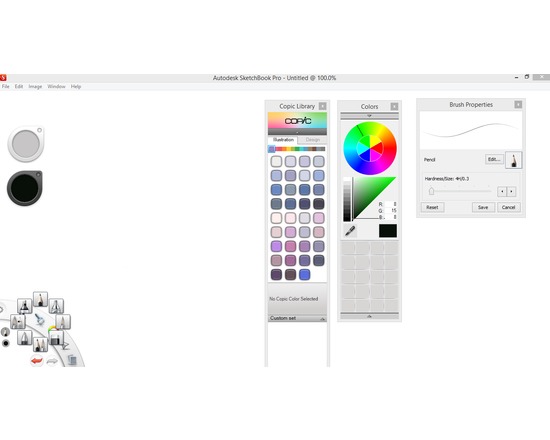
Sketchbook Pro is a professional grade digital sketchbook. It offers a number of brushes and tools that give the illustration created a natural feel. It is easy to use and along with the use of a graphics tablet can quickly allow for the mock up of a visual concept or can be used in the creation of storyboards for a audio visual production. It also comes as an app that can be used on android tablets or the ipad offering flexibility in order to suit your work flow methods.
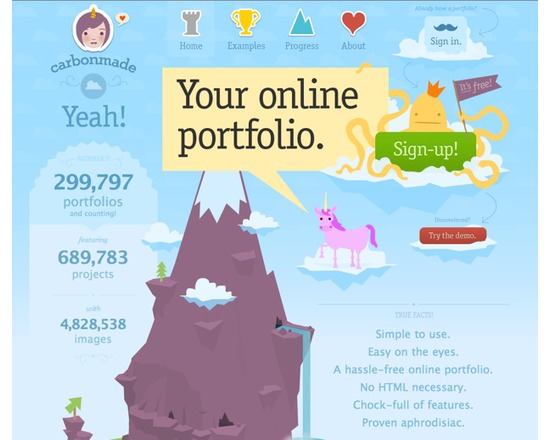
An easy and user-friendly online portfolio web based tool. Suitable for illustrators, graphic designers, photographers, writers, journalists, marketers, public relations, communications work.
Uncategorized
Inkscape is an open-source vector based imaging programme similar to Adobe Illustrator, Corel Draw, Freehand, or Xara X.