Annotating
Annozilla (Annotea on Mozilla)
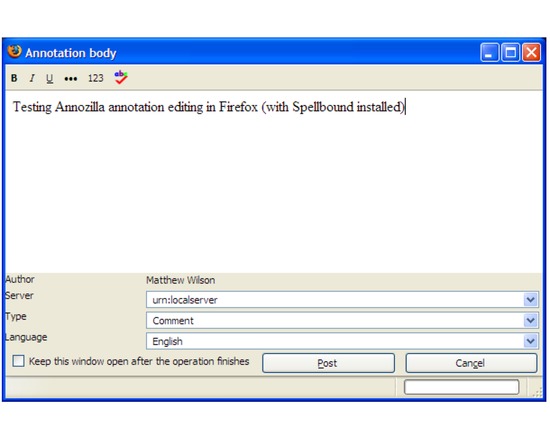
Annozilla allows you to view and create annotations associated with a web page. To use Annozilla you need to install the packages and get set up with an account with the W3C test server.
Annotating
Annozilla allows you to view and create annotations associated with a web page. To use Annozilla you need to install the packages and get set up with an account with the W3C test server.
Annotating
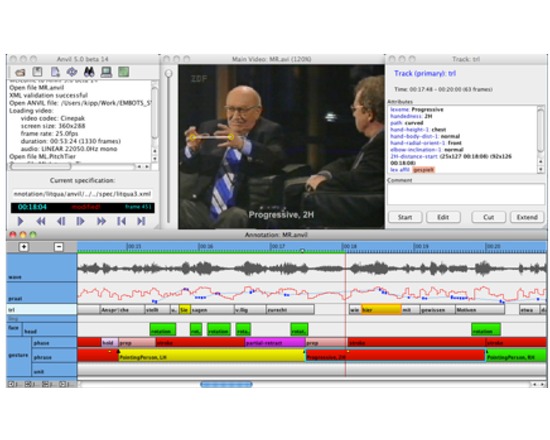
ANVIL is a free video annotation tool. It offers multi-layered annotation based on a user-defined coding scheme.
Publishing
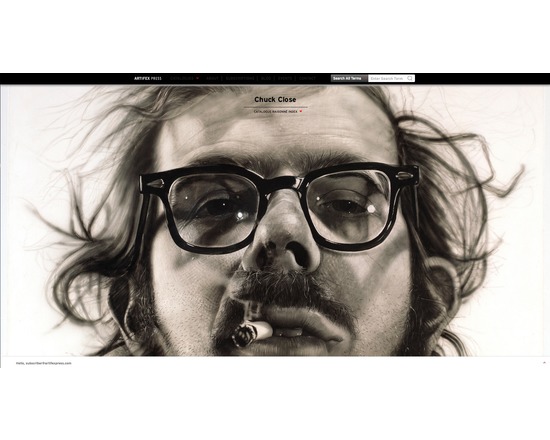
Artifex Press is a publishing and technology company that digitally publishes catalogues raisonnés, a comprehensive, annotated documentation of all of the known artworks by an artists. They have developed a proprietary, patented software platform and a dedicated publishing program in order to create digital catalogues raisonnés. They offer both their own digital catalogues raisonnés and the ability to licence the software to produce your own projects. Catalogues raisonnés have typically been published book but the information they contain is constantly in flux and printed versions are rarely complete and accurate for long. The online version produced by Artifex Press is more accessible, more flexible, more time- and cost-efficient, and above all, more accurate and up-to-date than the traditional printed counterpart.In addition to the digital publication, Artifex Press creates digital archives for all the artists with whom they work. The Artifex Press software is available for licensing, for catalogue raisonné projects run by outside organizations including artist studios, foundations, and estates. The company is open to new collaborations looking to preserve the legacy and intellectual property of artists and estates. Research & Archive Tool Digital content management: create links between artworks, publications, exhibitions, collectors, venues, institutions, and other relevant categories build artwork records with data files such as title, date, medium, dimensions, inscriptions, editions, provenance, condition, installation instructions, and comments store multiple images and private documents in each record Web-accessible: software is available anywhere with an internet connection Unlimited storage: there are no storage limits and performance of your catalogue is not affected by large data sets Attention to your needs: Software has been shaped by the feedback of multiple catalogue editors, researchers, and artist studio managers to determine the most useful, practical, and intuitive tools and features Compatibility: You can import existing databases and convert them to fit Artifex fields without losing information Publishing Tool Publish to a selected audience only: control your user group or make your content available to the public Publish while withholding confidential information: define public and archive only sections of your collection Flexible design: customize the look and feel of your catalogue including the homepage, artwork views and editorial pages Ease of navigation: design features have been rigorously tested to ensure ease of use Multimedia content: include any number of images, videos, audio clips, and other multimedia content Real-time accuracy & cataloguing: by updating provenance as well as exhibition and literature histories, you can maintain the accuracy of the content; you can also expand the catalogue to include newly discovered information and newly created artworks. Assistance: Artifex Press are available to make the editing and publishing process as easy as possible. For more information or to set up a live tour of the software and learn about their research & editorial servces contact: info@artifexpress.com
Visualization
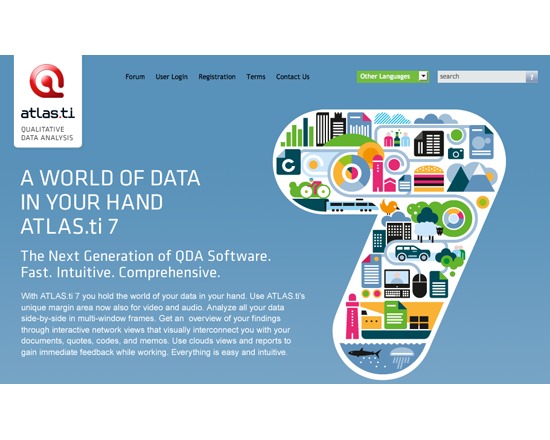
ATLAS.ti is a tool for systematic qualitative data analysis released under a for-pay license. It offers multi-window frames, overviews generated through interactive network views utilizing visual interconnections, and cloud views and reports. A free demo version is also availalble, and does not include a time limit. This tool was first developed in 1989 and has been in continous development since. The web edition has been available since 2002.
Search
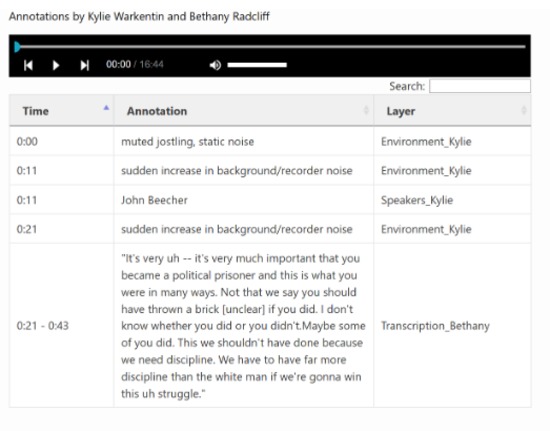
AUdiAnnotate is a web applications that is used to create IIIF file of audios and videos but adding annotations and/metadata. This makes the audiovisual material more accessible to users since the file can be queried using the metadata. Users will need a GitHub account to access the AudiAnnotate application and to host the files generated. The resulting IIIF object will be made available through an HTML link. The HTML files produced are hosted on GitHib and can be edited to change the way it if displayed. The AudiAnnotate is still active and the applications is constantly being updated. A review of AudiAnnotate can be found at https://reviewsindh.pubpub.org/pub/audiannotate/release/3
Natural Language Processing
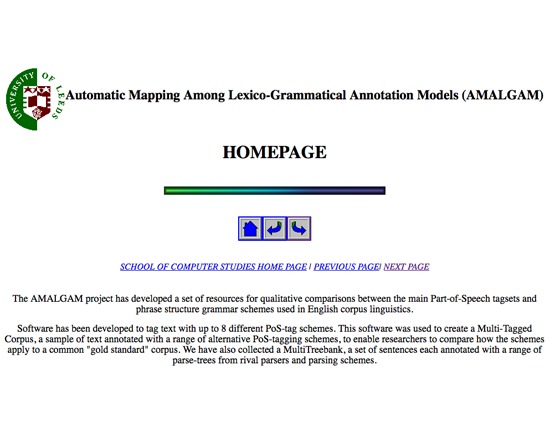
Automatic Mapping Among Lexico-Grammatical Annotation Models (AMALGAM) is a free, longstanding tool for tagging text according to part of speech (PoS) from Leeds University. It includes eight PoS tag schemes, and a Multi-Tagged Corpus of samples tagged with various schemas.
Annotating
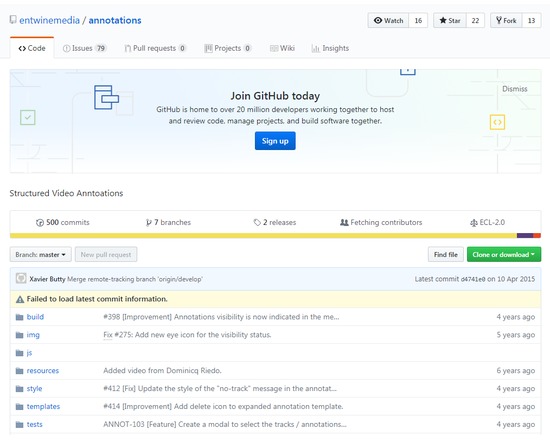
The AVA (Advanced Video Annotations) project is a video annotation service that is suitable for research, teaching or learning. Architected as a stand-alone service, AVA can be integrated with most video players, video management systems, learning management systems, and lecture capture systems. An implementation is done with a) SWITCHcast: http://www.switch.ch/cast b) Opencast Matterhorn: http://opencast.org/matterhorn/
Annotating
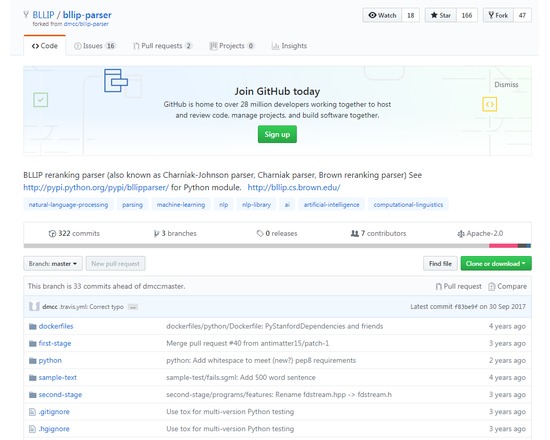
BLLIP Parser (or Charniak-Johnson parser) is a statistical natural language parser for analyzing text to determine its grammatical structure. Grammatical structures are provided in Penn Treebank format.
Collaboration
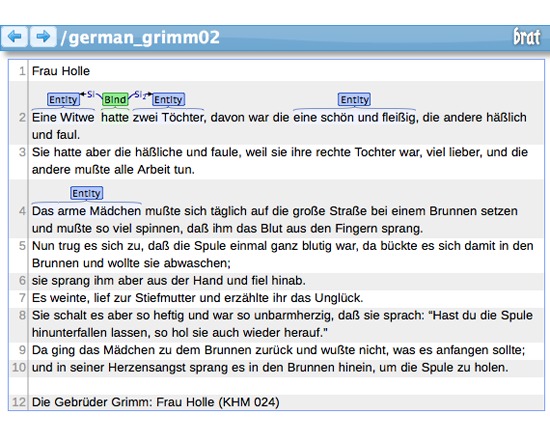
The brat rapid annotation tool is an online environment for collaborative structured annotation of texts. It can be run in a browser (optimized for Chrome and Safari) or downloaded for local installation. It can be used for a variety of annotation tasks, from identitifying natural language entities to chunking to adding metadata.
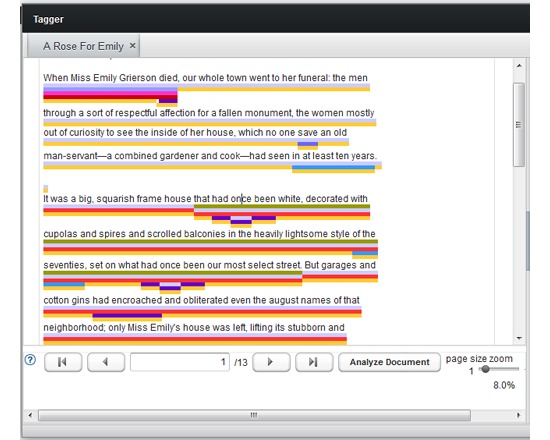
Visualization
CATMA (Computer Aided Textual Markup & Analysis) is a free, open source markup and analysis tool from the University of Hamburg's Department of Languages, Literature and Media. It incorporates three interactive modules: (1) The tagger enables flexible and individual textual markup and markup editing. (2) The analyzer incorporates a query language and predefined functions. It also includes a query builder that allows users to construct queries from combinations of pre-defined questions while allowing for manual modification for more specific questions. (3) The visualizer provides basic visualization options for texts and corpora. CATMA also interfaces with the Voyant toolset. As of version 4.1, CATMA is a web application with collaborative work functions, and improvements to its user interface, queries and corpus analysis capacity. Version 4.2 offers, among others, new visualization options.