Skip to content
TAPoR Text Analysis Portal for Research

For researchers who work with text

Find a text analysis tool that fits the work.

TAPoR catalogues concordancers, annotators, topic models, stylometry packages, and visualization environments. Every record notes the platform, the license, and what the tool is actually good for.

  • Platform, license, and method on every record
  • Reviews from people who teach with the tools
  • Lists assembled around a course or a corpus

Browse tools

Filter by the type of analysis.

View all tools
‹

Annotating

Voronoi Diagram with Word Embedding

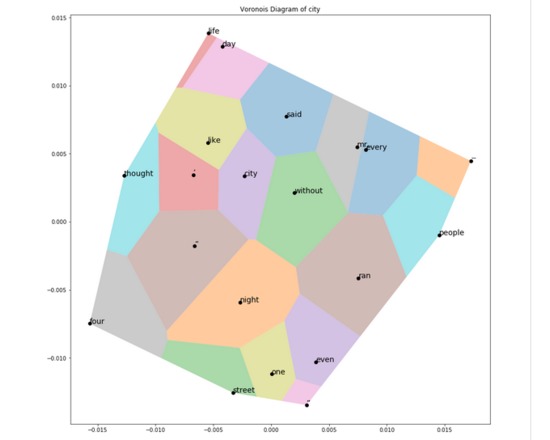
In this notebook, we will examine how to use word embedding and voronoi diagram to display the relationship between other words and a search term. Using A Tale of Two Cities by Charles Dickens as the example (acquired from Project Gutenberg), we will showcase how the program works as well as explain different modification and steps that can be taken in the future.
Rated 0.0 out of 5.

Annotating

WebLicht

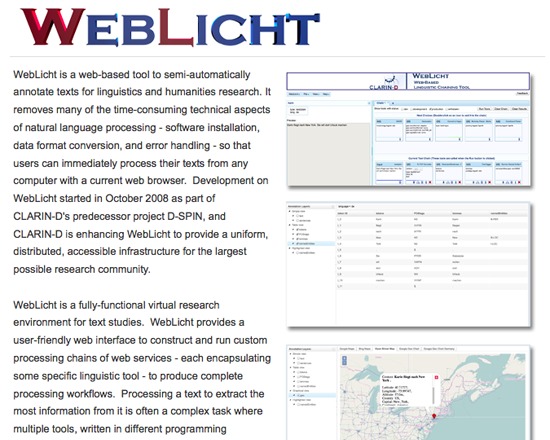
WebLicht is an architecture for creating annotated text corpora. It offers a fully-functional virtual research environment with chains of RESTful web services, each providing a linguistic tool such as format conversion, tokenizing, tagging or parsing. It outputs corpora as XML documents.

Rated 0.0 out of 5.

Annotating

WebLicht

WebLicht is an execution environment for automatic annotation of text corpora. Linguistic tools such as tokenizers, part of speech taggers, and parsers are encapsulated as web services, which can be combined by the user into custom processing chains. The resulting annotations can then be visualized in an appropriate way, such as in a table or tree format. It is often the case that a tool relies on one or more annotation layers to exist in the input data before it can begin processing. WebLicht can assist the user in building a processing chain by determining which tools are able to operate on the data at any given point and offering only those tools as options to add to the chain. There are 2 modes for building tool chains: Easy Mode lets you choose pre-defined processing chains Advanced Mode allows you to build customized tool chains. Login is required to use the tools and corpora. Login with email addresses from most recognized European universities will be automatically accepted. Individuals with a Non-European email address need to create an account with clarin.eu Developed by the German language resource infrastructure (D-SPIN) and Common language resources and technology infrastructure (CLARIN)

Rated 0.0 out of 5.

Annotating

WebSlides by Diigo

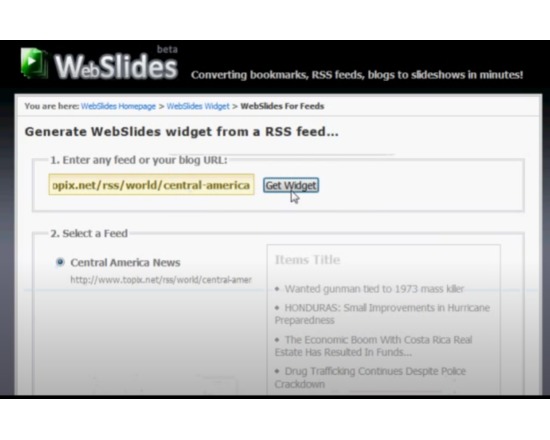
WebSlides allows you to convert your bookmarks and feeds to present them as live web pages in an interactive slideshow. Each WebSlide has a unique URL, or comes as a widget. Users may create a guided tour of any website, group course information for students, provide a simple tutorial on any subject, or share images on the web. Additionally, content publishers may use this presentation format for repacking and remixing content.

Rated 0.0 out of 5.

Annotating

WikiPack

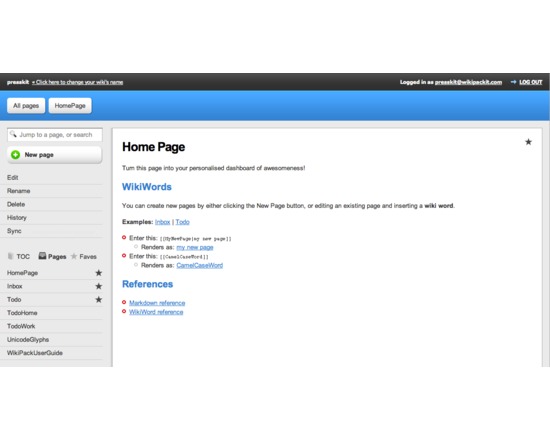
WikiPack is a web based personal information organizer and Markdown editor that uses Dropbox for synced storage. Using plain text Markdown files and WikiWords, WikiPack gives information context and links entries together by turning your Markdown pages into a private, password protected wiki. The easy to use Markdown language lets you create and edit your wiki pages without having to learn complex wiki syntax. WikiPack features page history/versioning and visual change comparisons in the browser-based GUI and store all of your files in your Dropbox account. You can import existing markdown files to sync WikiPack with other apps and services using Dropbox, or use the quick-start template to set up new wikis. WikiPack includes a GUI markdown editor with syntax highlighting, built-in markdown reference, support for Multimarkdown table, and toolbar buttons with keyboard shortcuts and tools for common formatting. WikiPack works in the browser so you can use it on any desktop or mobile device that has an internet connection and Dropbox functionality.

Rated 0.0 out of 5.

Annotating

WordFreak

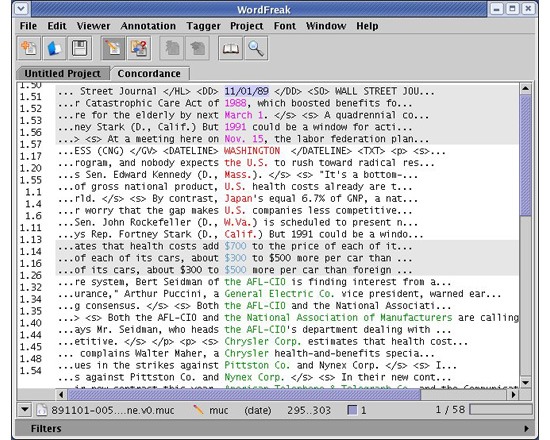
WordFreak is a free, open-source tool for linguistic annotation. It is designed to support both human and automated annotation of linguistic data, and learns human corrections of automatically annotated data.

Rated 0.0 out of 5.

›

Curated lists

Curated list created by experience authors in the fields.

All curated lists

Geoffrey Rockwell

Cool Voyant Tools

Not all Voyant tools show up in the default view or skin. Here is a list of some of the other tools worth trying.

4 tools

View list

Holly Pickering

Audio Production Software

Interested in audio production and editing? Here are a few programs that can help you get on your way. Some of them are free, some not, but all are helpful and useful.

3 tools

View list

Jason Bradshaw

TATR: Text Analysis for Twitter Research

This list compiles a suite of tools that make up Kynan Ly's Text Analysis for Twitter Research (TATR) Library. Recipes to these notebooks can be found on methodi.ca

6 tools

View list

The catalogue

  • 1321

    Tools catalogued

  • 15

    Curated lists

  • 22

    Analysis types

  • 671

    Community reviews

More is coming

Researchers, power users, and students will soon be able to contribute tools, share reviews, and curate lists around their own work.