Skip to content
TAPoR Text Analysis Portal for Research

For researchers who work with text

Find a text analysis tool that fits the work.

TAPoR catalogues concordancers, annotators, topic models, stylometry packages, and visualization environments. Every record notes the platform, the license, and what the tool is actually good for.

  • Platform, license, and method on every record
  • Reviews from people who teach with the tools
  • Lists assembled around a course or a corpus

Browse tools

Filter by the type of analysis.

View all tools
‹

Collaboration

Topincs

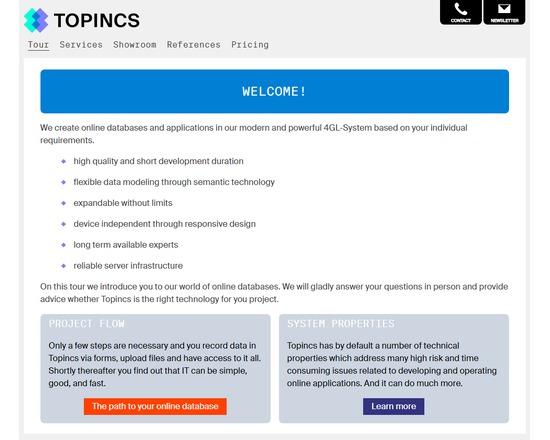
Topincs is a online database software. Given a data model, it allows data to be recorded and files to be uploaded and annotated through forms, data and files to be displayed and navigated through interconnected data sheets, and all that searched in the index. It overcomes the rigidity of relational databases by using semantic technology. In the simplest use case, a group of users can collaboratively edit information and upload files from any device with a web browser and an internet connection. Development time ranges between 1 and 8 hours. By designing and implementing services, the data can be manipulated, transformed and aggregated through an virtual object oriented programming interface driven by the data model. This allows sophisticated use cases where different user groups with different rights are presented a completely different application working on the same database. In these cases development time ranges between 2 and 20 days. A Topincs online database can be rented for a monthly fee. Topincs provide all services related to an online database: data modeling, programming, and support. They have special rates for educational institutions. Topincs can also be used as a Platform as a Service where the dark art of Topincs modeling and development must be studied online. The underlying semantic technology, Topic Maps, is taught there through hands on examples and will change your view on information technology.

Rated 0.0 out of 5.

Natural Language Processing

TOSCA

TOSCA was a syntactic analysis system available in the 1990s. It required users to apply word class tags and syntactic markers, which it then used for syntactic parsing.

Rated 0.0 out of 5.

TouchGraph SEO Browser

TouchGraph is a Java application that creates network graphs of websites returned in Google searches.

Rated 0.0 out of 5.

Enrichment

T-PEN

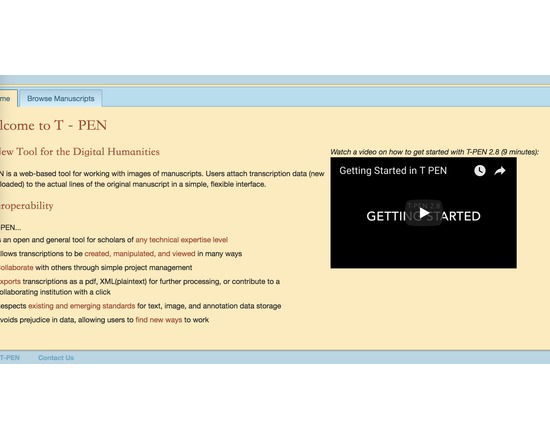
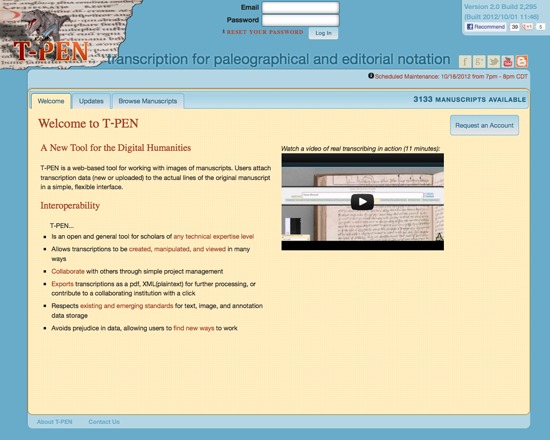
T-PEN is a free toolset from the Center for Digital Theology at Saint Louis University for working with images of manuscripts and attaching transcription data. It has features for collaborative transcription in XML, multiple data viewing, data manipulation and data export. T-PEN includes support for multiple languages with French, Middle English and Old English dictionaries. User accounts are available by request.

Rated 0.0 out of 5.

Collaboration

T-PEN (Transcription for Paleographical and Editorial Notation)

Extensive set of tools to allow collaborative transcription of manuscript pages in TEI-compliant XML. Features of T-PEN through version 1.2 [from project blog] Zoom Tool in Transcription User Interface: Holding CTRL+SHIFT will result in a magnified image of the current line being transcribed. Magnifying Tool in Full Page View: Click on "Magnify" button at the top right of the browser window and a magnifying glass tool will appear as the mouse pointer. Click on the same button to dismiss the tool. The magnifying tool is also available in the Compare Page feature. Create a Project “Pipeline” to the outer world: In partnership with The Carolingian Canon Law Project (CCL), T-PEN developed a model for enabling users working on transcription projects in T-PEN to export their work to a larger, external project. In this instance, the CCL prepared for T-PEN an XML-markup template (XML button set) that may be used for all transcriptions destined for the CCL database. Users identify their T-PEN projects as destined for the CCL, and when the transcription is complete, they can submit it from T-PEN to the CCL project. The CCL receives notification of the stable URL in T-PEN that the CCL can (either manually or by automation) use to extract the designated transcription from T-PEN’s data store. Other projects interested in creating their own pipeline should contact T-PEN via t-pen.org T-PEN Administration: T-PEN administrator can clear registration requests that have not been approved (ones that were mostly generated through internal testing). Transcription UI: The previous line text will scale to the size of the screen. When on the first line of the page, available text from the last line of the previous page will be shown. Visual Cue for Closing Tag Proximity (Transcription UI): Closing tags originating on previous pages are faded to indicate their distance from the current line of transcription. Transcription Preview: The preview tool now applies a simple color filter to to allow for a more clear view of your transcription. New Project Option Tools: Users can add a French/English dictionary, a dictionary for Middle English and the Dictionary of Old English (subscription required). User can select which tools will be available in the Transcription UI’s i-frame. All tools can also be renamed by the user on the project management page. Exporting Transcriptions: When exporting xml, users can select or deselect all the tags for inclusion at once. Line History (Versioning): T-PEN distinguishes between all versions of any transcription line. Users can view previous versions of a given line. A change in a line is defined as addition or deletion of a single character (including white space) or modifications to the line parsing coordinates. A previous version can be selected to replace the current version. All versioning activity is recorded in the project log, which can be viewed on the project management page under the Collaboration tab.

Rated 0.0 out of 5.

TRACER

TRACER is a suite of 700 algorithms, whose features can be combined to create the optimal formula for detecting those words, sentences and ideas that have been reused across texts. Created by Marco Büchler, TRACER is designed to facilitate research in text reuse detection and many have made use of it to identify plagiarism in a text, as well as verbatim and near verbatim quotations, paraphrase and even allusions. The thousands of feature combinations that TRACER supports allow to investigate not only contemporary texts, but also complex historical texts where reuse is harder to spot.

Rated 0.0 out of 5.

›

Curated lists

Curated list created by experience authors in the fields.

All curated lists

Geoffrey Rockwell

Cool Voyant Tools

Not all Voyant tools show up in the default view or skin. Here is a list of some of the other tools worth trying.

4 tools

View list

Holly Pickering

Audio Production Software

Interested in audio production and editing? Here are a few programs that can help you get on your way. Some of them are free, some not, but all are helpful and useful.

3 tools

View list

Jason Bradshaw

TATR: Text Analysis for Twitter Research

This list compiles a suite of tools that make up Kynan Ly's Text Analysis for Twitter Research (TATR) Library. Recipes to these notebooks can be found on methodi.ca

6 tools

View list

The catalogue

  • 1321

    Tools catalogued

  • 15

    Curated lists

  • 22

    Analysis types

  • 671

    Community reviews

More is coming

Researchers, power users, and students will soon be able to contribute tools, share reviews, and curate lists around their own work.