Skip to content
TAPoR Text Analysis Portal for Research

Tools

Sort by Name ↑ Rating Date

Creation

Perl

Perl is a high-level, general-purpose, interpreted, dynamic programming language. Originally developed for text manipulation, it is now used for a wide range of tasks including graphics programming, system administration, network programming, applications that require database access and CGI programming on the Web. Features: - C, shell scripting (sh), AWK, and sed - Powerful text processing facilities - Flexibility and adaptability -Support for multiple programming paradigms -Reference counting memory management

Rated 0.0 out of 5.

Personal Brain

PersonalBrain is a mind mapping and brainstorming application that helps users visualize their ideas. PersonalBrain applies visualization to your content, in order to great a digital map visualization of networked information.

Rated 0.0 out of 5.

Visualization

PhiloGL

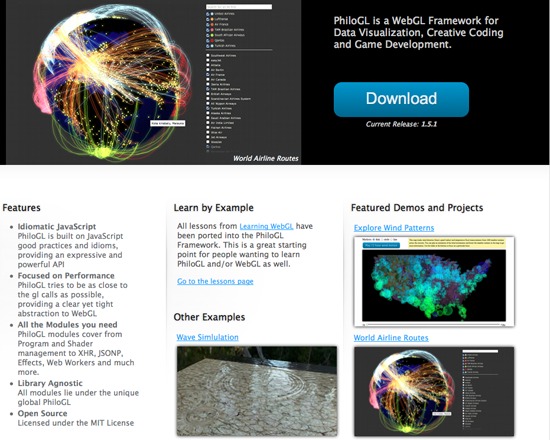
PhiloGL is an open source WebGL Framework for advanced data visualization, creative coding and game development. It includes a module system encompassing Program and Shader management, IO, XHR, JSONP, Web Worker management, Effects and Tweening, among others.

Rated 0.0 out of 5.

Search

PhiloLogic

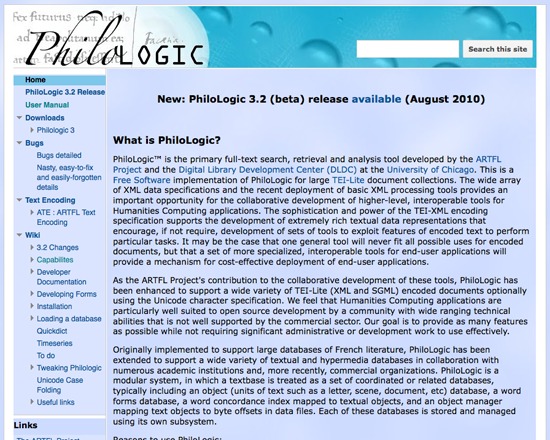
Philologic is a free, open source full-text search, retrieval and analysis tool developed by the ARTFL Project and the Digital Library Development Centre, at the University of Chicago. This tool supports a wide variety of XML and SGML encoded documents, in addition to plain text, Dublin Core and HTML, and includes a MySQL back end. It is designed ot be light, fast and robust, boasts extensive use and testing, and can be used directly 'out of the box' with numerous configuration options built in.

Rated 0.0 out of 5.

Capture

PhotoScore

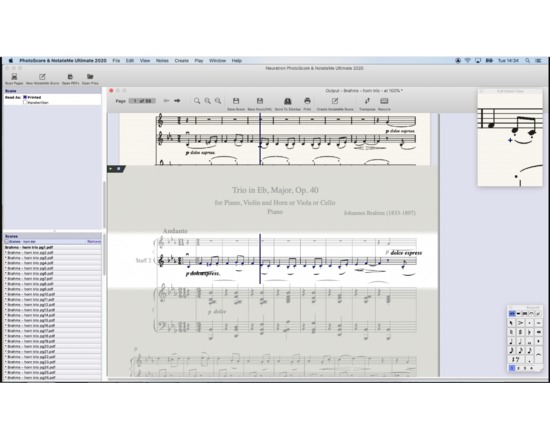
PhotoScore takes an image of a music score-- including handwritten scores-- and outputs it in an editable format, including MusicXML (the musical equivalent of a text OCR program).

Rated 0.0 out of 5.

Capture

Photoshop Express

Photoshop Express allows simple web-based image editing and cloud storage (2 GB free via Adobe Revel), as well as video storage and streaming, slideshow templates, and a photo gallery. Features include online galleries and slideshows, exporting and searching images, and privacy settings. Android, Windows and iOS (including iPad) apps are available.

Rated 0.0 out of 5.

Dissemination

Piazza

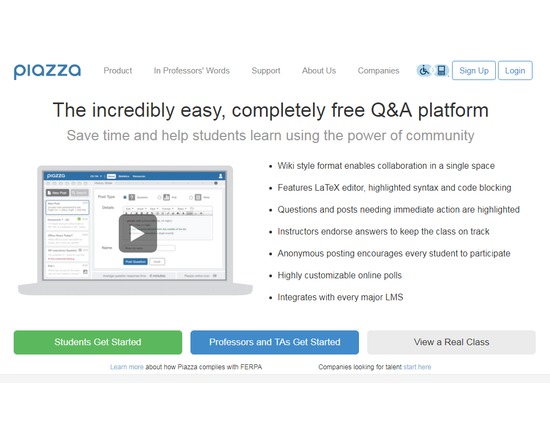
Web-based discussion tool (not a full-fledged learning management system, but you can link to Piazza from your LMS, including Blackboard, Moodle, and Coursera) that allows student to ask questions and interact with instructors and other students in a public space. A wiki style format enables collaboration in a single space and features LaTeX editor, highlighted syntax and code blocking. Questions and posts needing immediate action are highlighted and instructors endorse answers to keep the class on track. Anonymous posting encourages every student to participate. Subjects include computer science, biology, chemistry, economics, psychology, engineering, mathematics, and physics. Once in a subject area, you can view what professors from where are teaching or answering questions on what. This is a great tool for students looking to get extra or more in-depth help beyond the classroom. Companies can use Piazza for recruiting college students, and it is this function for which users pay.

Rated 0.0 out of 5.

Capture

Picasa Web Albums

Users can upload photos and organize them into albums, and they can search photos that have been posted in public albums and filter the results by license (any Creative Commons license, licenses that allow commercial use, licenses that allow remixing). Picasa has been shut down in favour of Google Photos.

Rated 0.0 out of 5.

Picnik

Picnik closed on April 19, 2013. Picnik was a simple web-based image editor that could import photos from Facebook, Myspace, Picasa Web Albums, Flickr, Yahoo Image search, Google Plus, and also has upload capabilities. It was acquired by Google in 2010.

Rated 0.0 out of 5.

Organizing

Pinboard

Pinboard is a social bookmarking website that describes itself as "a fast, no-nonsense bookmarking site for people who value privacy and speed." The service lets users bookmark content from any web browser, offers browser plugins, and a way to save open tabs in a minimal, fast, and secure environment. You can connect up to three Twitter accounts (search the archives of your tweets), and configure Pinboard to automatically mirror public bookmarks from your accounts on Instapaper, Pocket and Readability. All of your bookmarks from Delicious, Google Bookmarks, Diigo, Firefox, Safari, and many other sources can be imported to your Pinboard account. Everything on the site is available as an RSS feed and you can import and export data in a wide variety of formats. Unlike other popular bookmarking services, Pinboard caters to users who value privacy. You do not need to have any public bookmarks to use the site. Pinboard does not serve any third-party content to logged-in users—that means no scripts, images, analytics trackers, and no ads. You do not have to provide any personally identifying information to open a Pinboard account. The only requirement is a working email address. There is a third-party clients. There is a one time fee of $11. In addition to the basic features, Pinboard offers a bookmark archiving service for an annual fee of $25. The site will crawl and store a copy of every bookmark in your account, and display a special icon you can click to see a cached copy. If the page you bookmarked goes offline, you'll still be able to see the archived copy indefinitely. Pinboard is a small site that features easy access to customer support and communicating with the developer. He is easy to reach through Twitter, IRC or email,.

Rated 0.0 out of 5.