Skip to content
TAPoR Text Analysis Portal for Research

Tools

Sort by Name Rating Date ↓

Search

Distant Viewing Toolkit

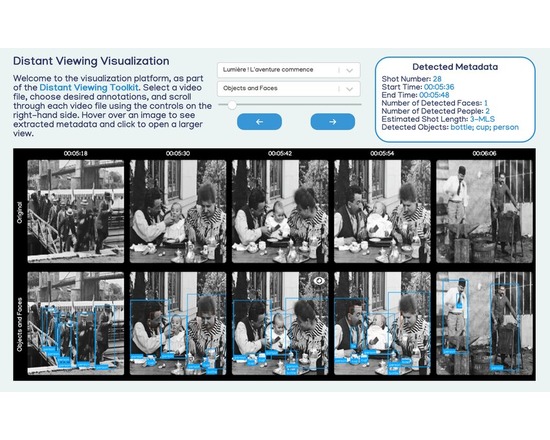
Distant Viewing Toolkit is a Python package for the computational analysis of images and videos using computer vision algorithms. High level analysis produces semantic metadata from the for the digital collection which can then be search, visualized or analyses to identify differences and patterns. A good documentation of the methods of the module can be found in the tools GitHub page. A review of the tool can be found here https://reviewsindh.pubpub.org/pub/distant-viewing-toolkit/release/1
Rated 0.0 out of 5.

Visualization

Cosma

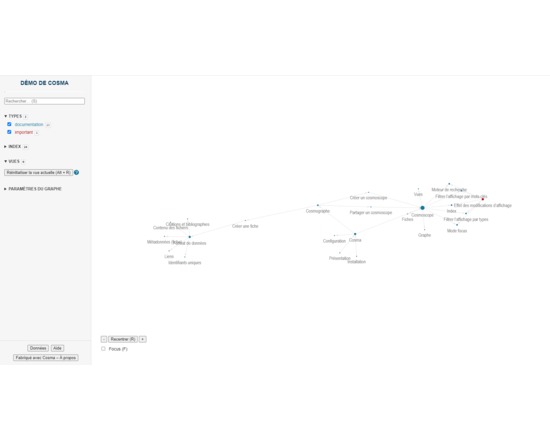
Cosma is a visualization tool that works on Windows and Mac operating systems. It is available in French and English. Its input are linked markdown text files and it creates an HTML network visualization of the files. There are many options to customize the visualization. The HTML visualization can be exported and shared unlike others tools in which only the static image of the visualization is share. This means that the data and the tools to explore it are shared simultaneously. Cosma is free to download, use and modify.

Rated 0.0 out of 5.

Visualization

Praat

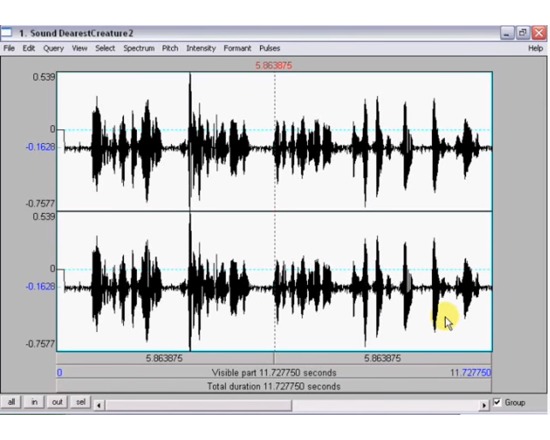
Praat is a free software package for phonetic analysis. Some of the functionalities include spectral analysis (spectrograms) pitch analysis, formant analysis, intensity analysis, jitter, shimmer, voice breaks cochleagram, excitation pattern, speech manipulation, etc

Rated 0.0 out of 5.

Visualization

Communalytic

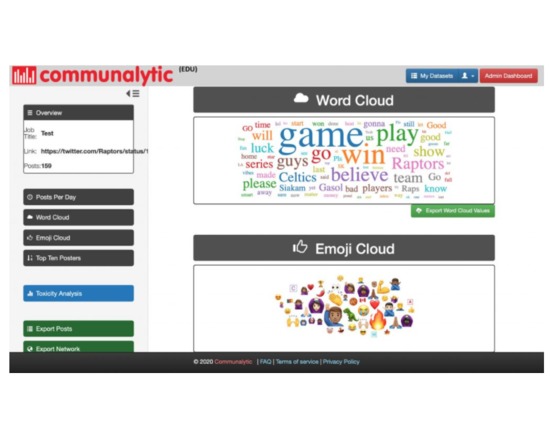
Communalytic is a research tool for studying online communities and online discourse. Communalytic can collect and analyze public data from social media platforms. It uses advanced text and social network analysis techniques to automatically pinpoint toxic and anti-social interactions, identify influencers, map shared interests and the spread of misinformation, and detect signs of possible coordination among seemingly disparate actors.

Rated 0.0 out of 5.

Visualization

Netlytic

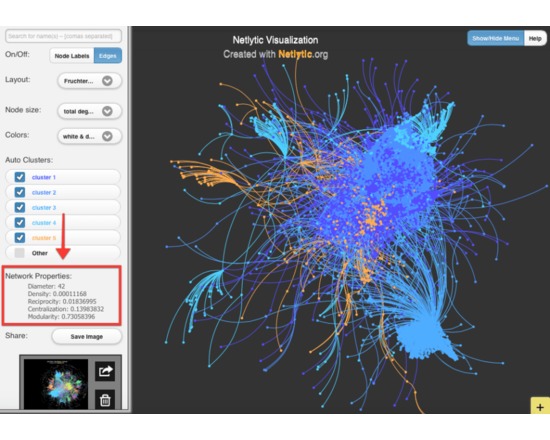
Netlytic is a community-supported text and social networks analyzer that can automatically summarize and visualize public online conversations on social media sites. It is made for researchers by researchers, no programming/API skills required. With Netlytic you can: capture publicly available posts from social media sites or other sources (Twitter, YouTube, RSS Feed, or text/csv file) Discover popular topics Find and explore emerging themes of discussions Build, visualize and analyze online communication networks using social network analysis Map geo-coded social media data

Rated 0.0 out of 5.

Visualization

The Literary Field Guide

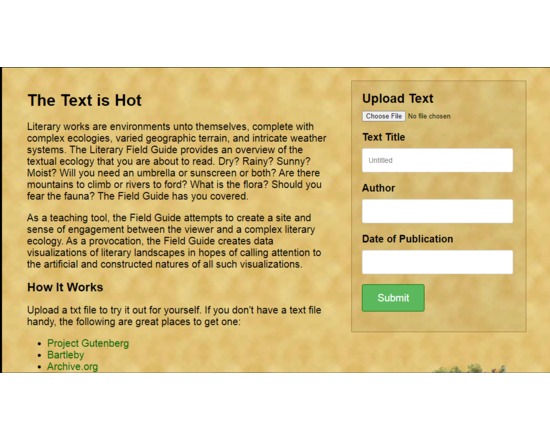
The Literary Field Guide provides an overview of the textual ecology of the text that you are about to read. It identifies mentions of ecological terms in the text and outputs an image that represents the environment the ecological terms of the text suggest. It also outputs the mentions and their frequencies under specific headings (for example: fauna, flora, amphibians, trees, landscapes, etc )

Rated 0.0 out of 5.

Visualization

Jupyter notebook: Document similarity

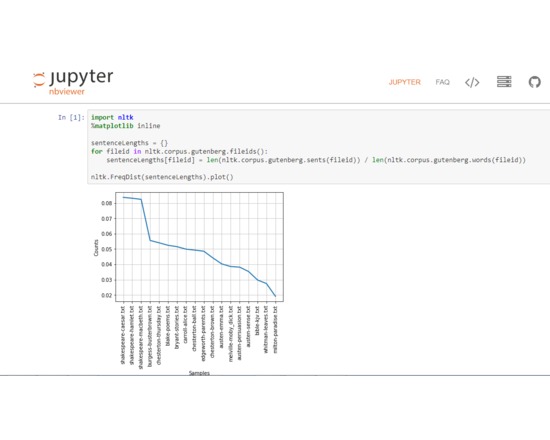
A Jupyter notebook that show some methods of comparing documents. The methods included are: -Document term matrix -TF-IDF -Cosine similarity -Visualizing document similarity with scatterplots -Visualizing document similarity with dendrograms

Rated 0.0 out of 5.

Natural Language Processing

Nocode app

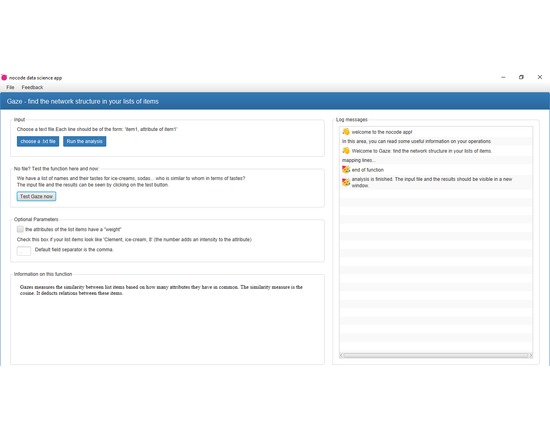
The Nocode app is a suite of data exploration tools (or functions) that can be used by analysts, students, researchers and journalist to analyse text. It currently has 5 functions: Umigon: sentiment analysis for social media, in English and French. Cowo: transform your texts into networks. Topics: identify the key topics in texts of any language. Gaze: find the network structure in your list of items. Organic: distinguish natural from corporate tweets. It is free to use. It can be used on a browser and the app can be downloaded and installed on a local computer.

Rated 0.0 out of 5.

Natural Language Processing

TreeTagger

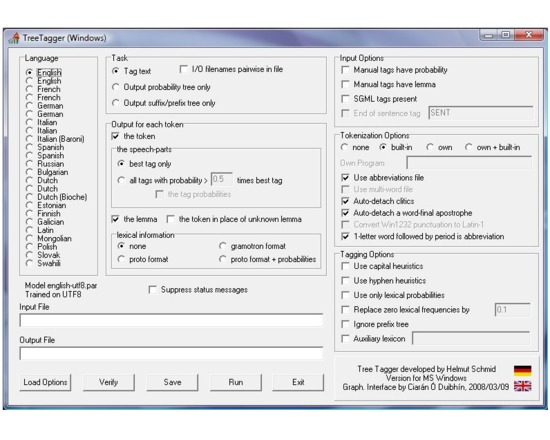
The TreeTagger is a program developed by Helmut Schmid at the University of Stuttgart (now at the University of München), for part-of-speech tagging and lemmatization. Language models (known as “parameters”, file extension .par) are supplied on the TreeTagger webpage for using the program with texts in English, French, German, Italian, Spanish, Russian, Bulgarian, Dutch, Estonian, Finnish, Galician, Latin, Mongolian, Polish, Slovak and Swahili, and models for some other languages are available from sites linked to the TreeTagger webpage. For a language for which no model exists, it is necessary to hand-tag some text, and then run a training program (provided with the TreeTagger) to create the model.

Rated 0.0 out of 5.

Visualization

VAnnotatoR

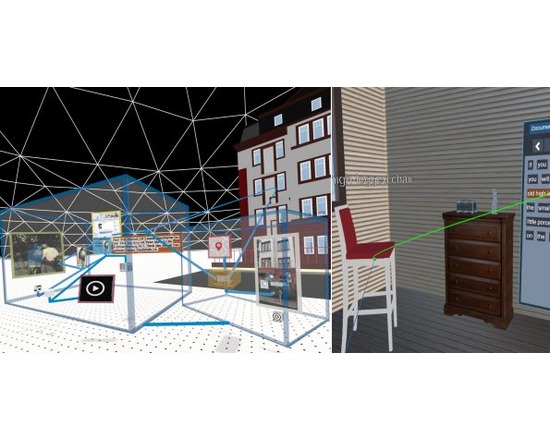
VAnnotatoR is a system that massively supports the annotation of multimedia, multimodal networks of linguistic and object-related data in virtual 3D environments. VAnnotatoR allows for segmenting and linking texts and images with other multimedia, multimodal data to ultimately create spatial hypertexts. It can be used to support concrete technical applications, e.g. the reconstruction of 3D scenes from texts as a preparatory step for the training of Text2Scene systems, or for applications in the digital humanities, such as the spatial reconstruction and linking of historical scenes or biographies with corresponding media content, such as images or 3D reconstructions of historical buildings. The entire system is interactively accessible with VR glasses in Virtual Reality (VR) and can be controlled and experienced accordingly. VAnnotatoR uses TextAnnotator as technological backbone and thus all its functions for annotation, task management, annotation evaluation as well as for collaborative and simultaneous processing of resources. Furthermore, VAnnotatoR uses TextImager to benefit from its NLP routines for automatic text analysis. VAnnotatoR is implemented on the basis of Unity3D and OpenVR and therefore runs with both systems and several VR glasses – it was tested on Oculus Rift, Oculus Rift S, Oculus Quest, HTC Vive and HTC Vive Cosmos under Windows 10. A demonstration of its usage can be found here https://www.youtube.com/watch?v=BBUg8mHT0iI

Rated 0.0 out of 5.